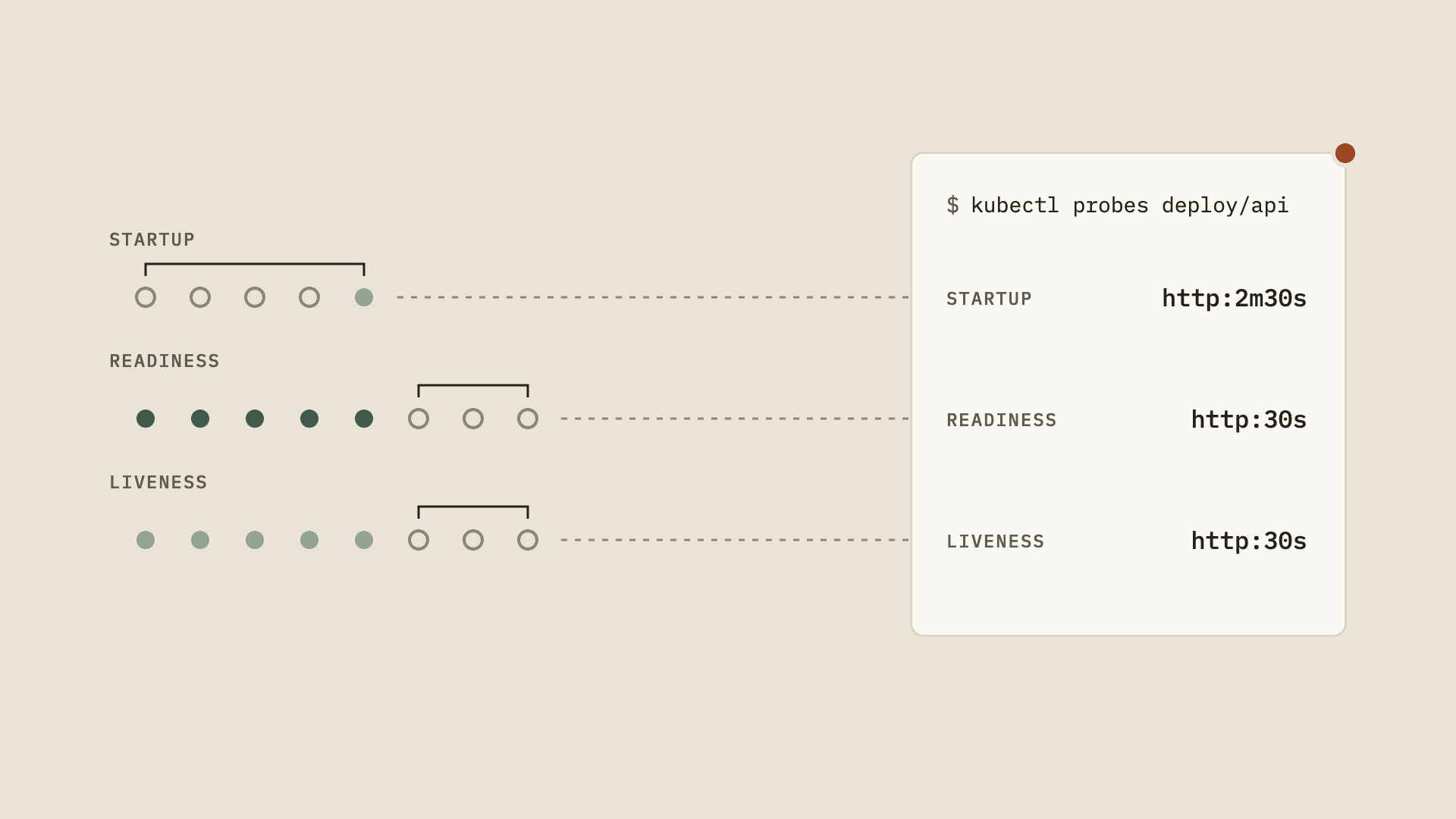
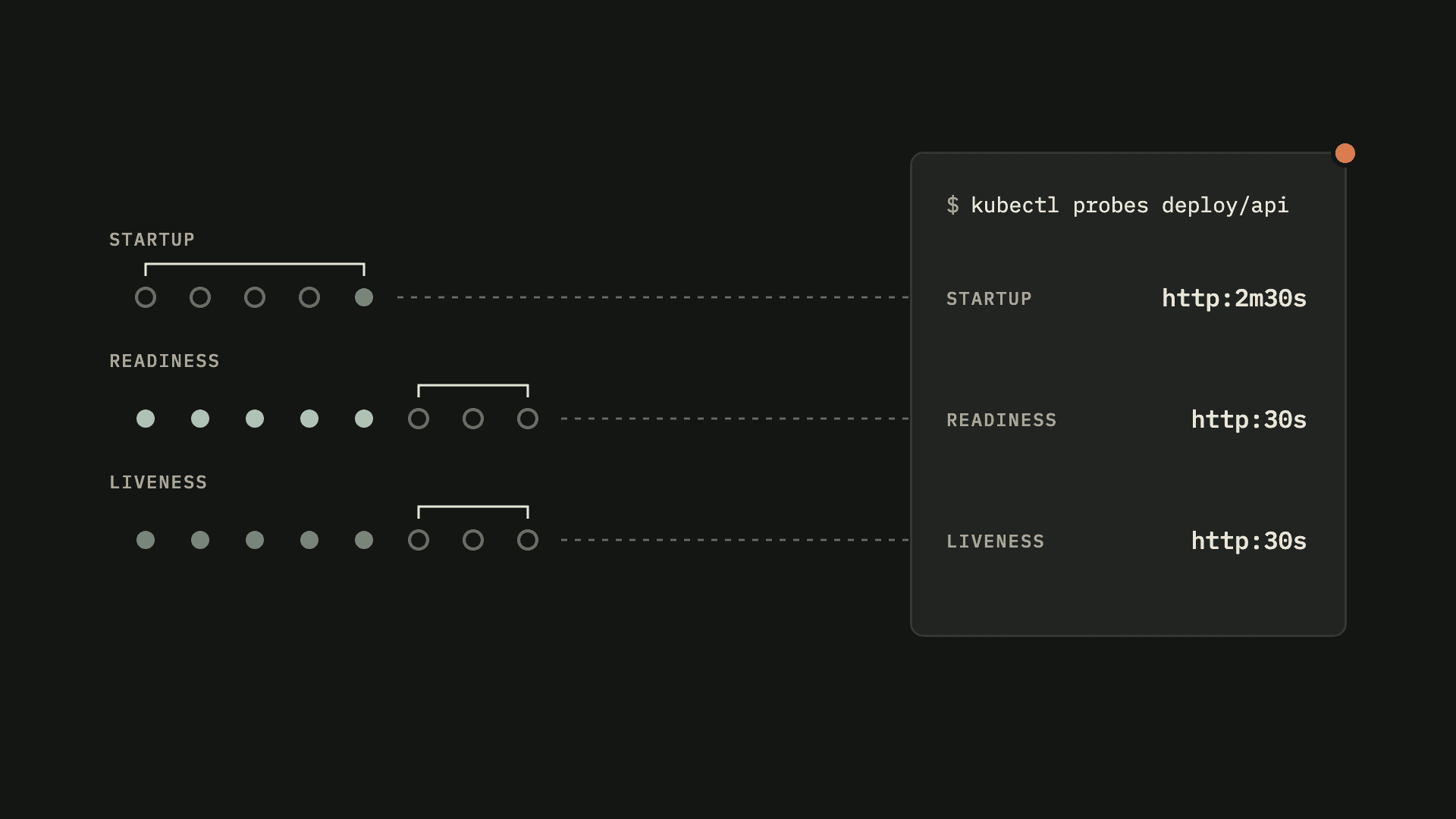
kubectl probes shows every startup, readiness and liveness probe in a namespace, or in the whole cluster, in one table. For each probe it gives you the one number that matters: how long it takes before the kubelet actually does something about a failing container. It fills in the defaults your spec left out, flags pods that drifted from their template, and puts the Unhealthy events right next to the config that caused them.
It's read-only. It never runs a probe itself, it just reads pods, their owners and events.
Why I built it
Probes are a handful of numbers, and what they add up to is never obvious. periodSeconds: 30 with failureThreshold: 3 looks harmless. It's also 90 seconds of traffic going to a container that is already broken.
In a small cluster you can kubectl describe your way through it. In a big one you can't. describe gives you the raw settings once per replica, no timing, no grouping, and the failures sit in a separate Events section of every pod. Getting a proper overview of all the probes in a big cluster was a pain point of mine for a long time, so I vibe-coded a plugin for it and submitted it to krew.
It's my first kubectl plugin, and it's heavily inspired by Ahmet Alp Balkan's plugins. His are clear, well scoped and efficient. They do one thing and they do it well. I have been using his kubectx for 8 years now, pretty much every day, and that was the bar I had in my head. So kubectl probes looks at probes and nothing else.
What it shows
Every probe, in one table
kubectl probes prints one row per container. Each probe column has the handler (http, tcp, exec or grpc) and one duration:
- Startup gets its budget: everything the container is allowed before the kubelet gives up and restarts it.
- Readiness and liveness get their failure detection time: the worst case between a container going bad and the probe acting on it.
Ready pods, restarts and recent failures sit right next to them. A * marks a running pod whose probes differ from its workload's template. That's normal mid-rollout, and worth a look after.
The Summary
The table ends with a Summary: how many containers have each probe, and how long a failing container goes unnoticed, as percentiles. Every percentile names its container, so the outlier is one command away. --summary=only prints just that, and -A makes it cluster-wide.
One workload, in full
Name a workload and you get all of it. The full configuration as a table with the defaults filled in, the timing spelled out in plain sentences, the runtime state of every pod, and the Unhealthy events with their actual messages.
Findings, kept apart from facts
On top of the facts it reports findings. These are named, opinionated rules like liveness-faster-than-readiness, timeout-at-default or no-readiness-probe. They are always printed apart from the facts, so you can tell one from the other, and --no-findings leaves them out. They tell you where to look. They never tell you what to change.
Before you apply
-f reads manifests instead of the cluster, so you can check a Deployment's probes before it ever ships.
And for scripts there's -o json and -o yaml.
Install
With krew:
kubectl krew install probesOr download the archive for your platform from Releases, or build it with Go:
go install github.com/mertdotcc/kubectl-probes@latestTry it
The repo ships a small demo cluster that runs on kind or minikube. Its probes are set up so every rule has something to fire on, and make chaos breaks a few of them on purpose:
cd hack/demo-clustermake up # or: make up TOOL=minikubemake chaoskubectl probes -n shop